
Formating Data & Management
Learn how to format cells

A free comprehensive, beginner-friendly ebook to help you navigate formulas, shortcuts, pivot tables, and data organization like a pro.
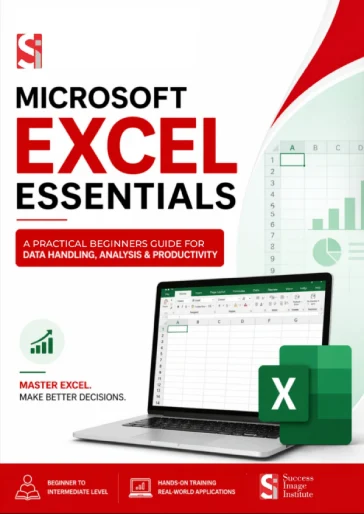









Stop struggling with spreadsheets. This free guide breaks down the absolute essentials into bite-sized, actionable steps.
Learn how to format cells
Master SUM, AVERAGE, IF, VLOOKUP, and COUNTIF.
Turn boring numbers into visual insights in a simple way.
keyboard shortcuts (Windows + Mac) to speed up your workflow.

Stop manually calculating reports. Automate with basic formulas.
Finish your assignments faster and impress professors with clean data.
Track expenses, invoices, and inventory without stress.
Learn the true power of desktop Excel.
 Instead
 No internet connection needed after download. 100% free – zero hidden costs.

 Microsoft Excel Essential Ebook
This guide is designed for beginners to intermediate users. If you've never opened Excel before, start here. If you know the basics but struggle with formulas, pivot tables, or formatting, you'll still learn a lot.
The guide works for Excel 2016, 2019, 2021, Microsoft 365 (Office 365), and Excel for Mac. Most shortcuts and features are also compatible with Excel 2013.
Yes. The PDF is formatted for both screen reading and printing. Print it out, keep it on your desk, or store it on your phone for quick reference.
Yes. You are free to share the download link with colleagues, students, or friends. The PDF is for personal and educational use. Please do not upload it to paid course platforms or resell it.