
Getting Started
Download & install Power BI Desktop + walkthrough of the interface.

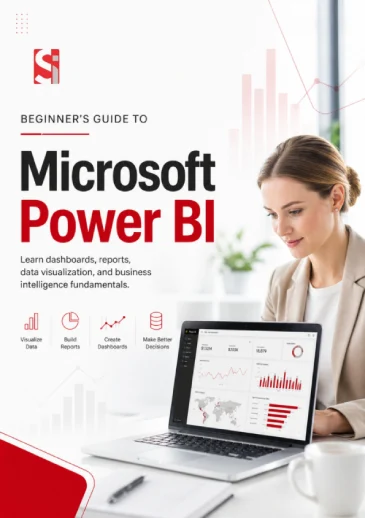
Master the essentials of Power BI in under an hour. Learn to connect, visualize, and share insights like a pro, even if you’ve never used a BI tool before.









Download & install Power BI Desktop + walkthrough of the interface.
Import from Excel, SQL, and cloud sources. Transform messy data with Power Query.
Relationships, hierarchies, and calculated columns.
Choosing the right chart, formatting tips, and mobile-friendly reports.
How to use Power BI Service, set up dashboards, and schedule refreshes.
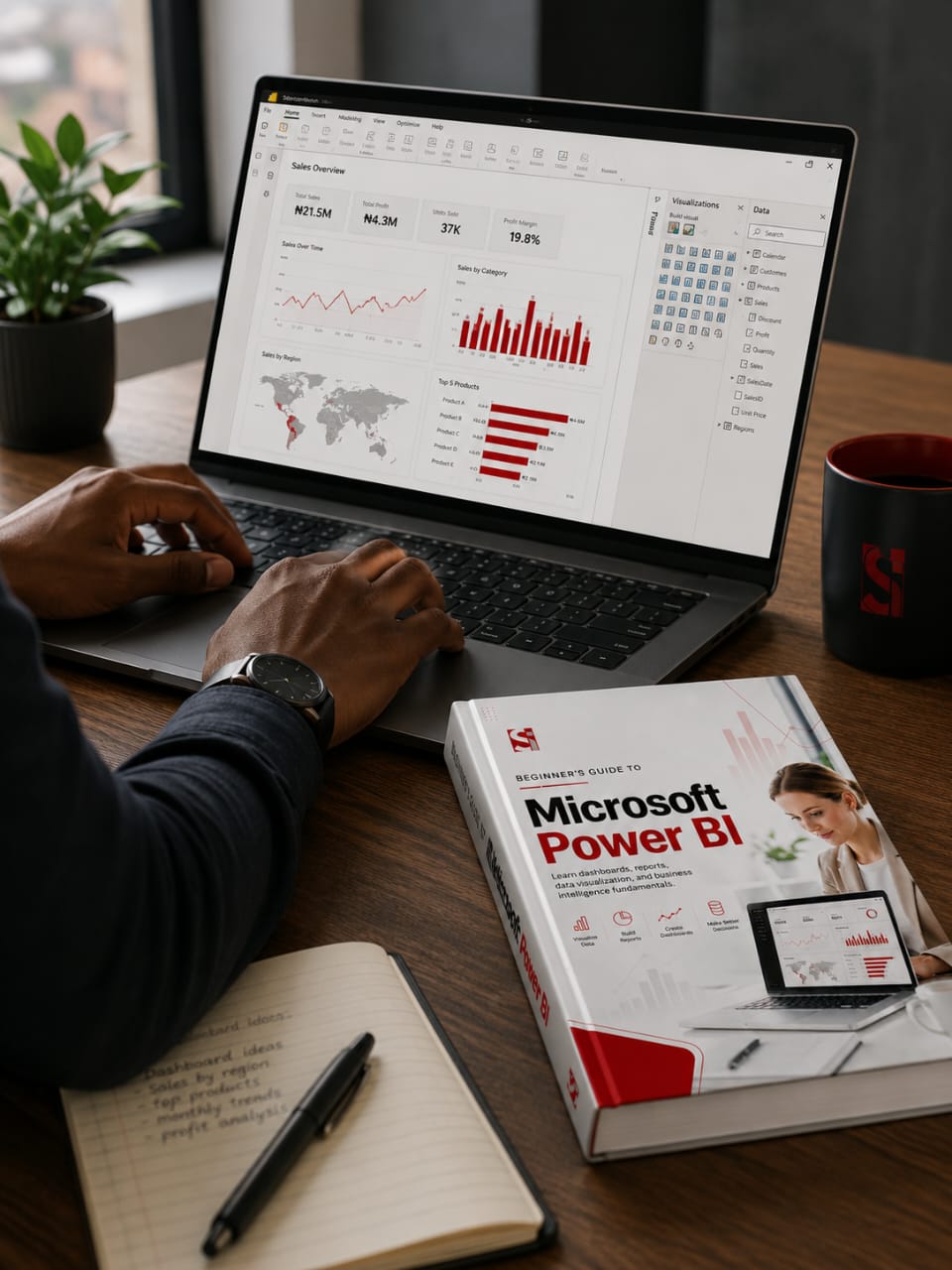
You want real business intelligence (pivot tables are starting to feel slow and limited).
People that need to move beyond static spreadsheets.
Professionals who track inventory, shipments, or vendor performance across multiple spreadsheets.
Anyone building a data portfolio to land your first analytics job.

Whether you want a promotion, a side business dashboard, or just less frustration with data – this guide works.

 Microsoft Power BI Guide
This guide is designed for beginners to intermediate users. If you've never opened Power BI before, start here. If you know the basics but struggle with software, you'll still learn a lot.
Yes. We encourage sharing within your organization. For bulk distribution (100+ copies), email us for a free team license.
No. Microsoft does not endorse this guide. We are an independent training provider.
Yes. 100% free. No credit card, no trial, no hidden upsells. We offer paid templates and coaching separately, but this guide is a true free resource.